An educational game about artificial intelligence for kids aged 6–12
A robot that knows nothing. Yet.
Your child learns how artificial intelligence works — by teaching a little robot. Kipibo has just switched on: the child shows him examples, gives clear requests and catches his mistakes.
in the browser, no installs, no ads!
Seven islands — seven ideas about AI
5 short tasks on each, 2–4 minutes apiece
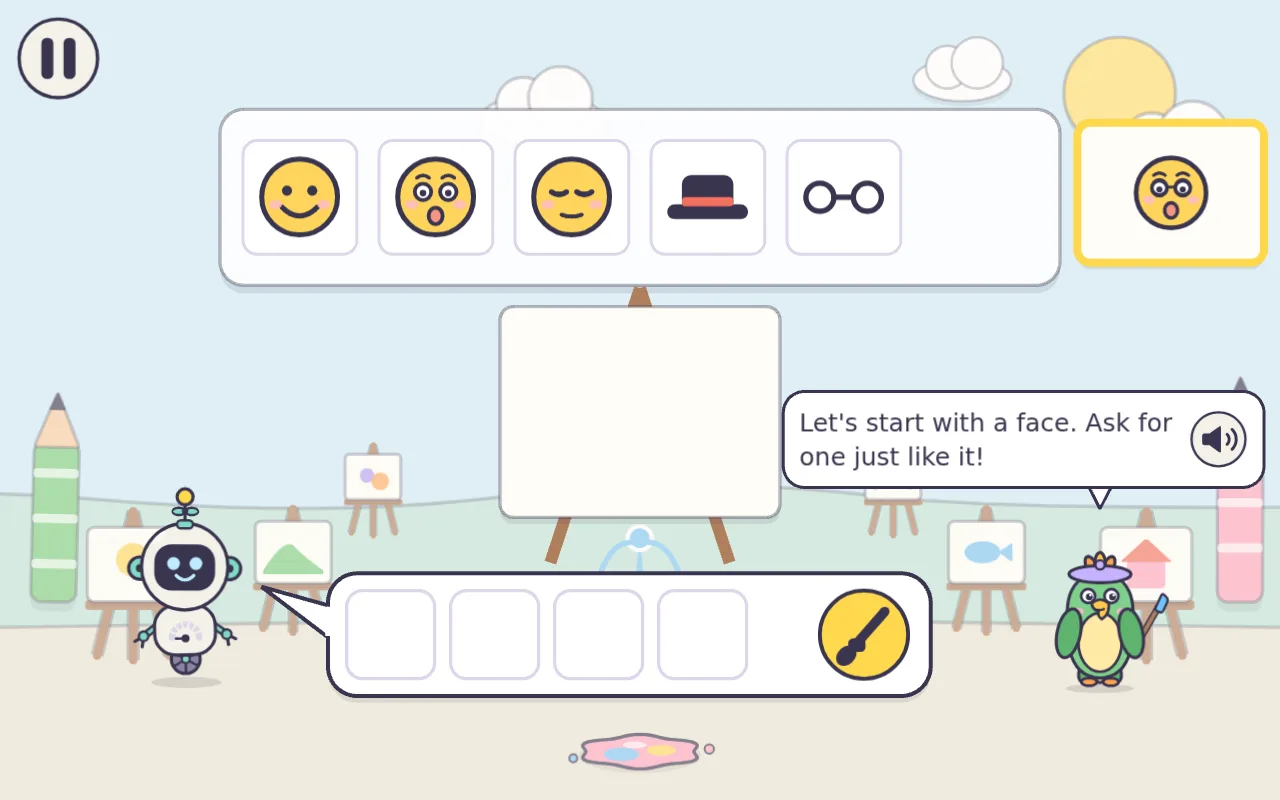
Island of Examples
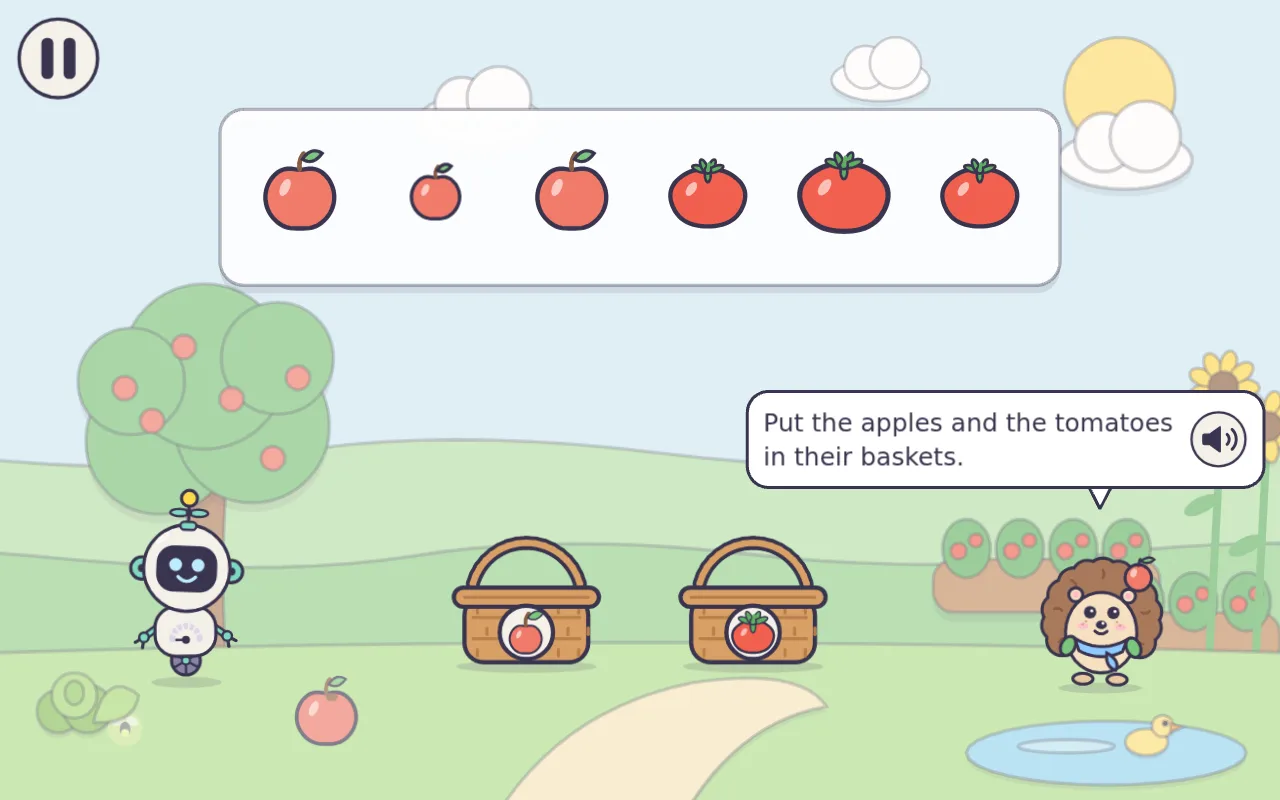
AI learns from examples — and repeats their mistakes
freeIsland of Clear Words
without details, AI fills in the gaps itself
freeTreasure Bay
personal things are never shared
soonIsland of Made-up Stories
AI answers need checking
soonHelpers Town
AI does not replace friends
soonPicture Gallery
a picture can fool you
soonIsland of Suggestions
I decide when it’s enough
soon
A note for parents
Relax — it’s safe
- No ads, no chat, no typing
- No losing, no timers, no leaderboards
- For the child we keep only a picture nickname and progress
- Parent area: what your child learned this week, time limit, language
- Purchases and settings only behind the parent lock
€14.99full version · one-time payment
islands 1–2 are free — try them first!
Islands 3–7 are early access: they arrive as they are ready and are included in the purchase. Refund within 14 days if no more than one full-version island has been completed — and any time if the game does not work. You buy in the parent area; orders are processed by Paddle.
Teach him for freeQuestions
Does my child talk to a real AI?
No. Every answer and every mistake Kipibo makes is written and voiced in advance. The game shows how AI behaves without connecting your child to one.
What age is it for?
From 6 to 12. There are two levels: Sprout (6–8) and Explorer (9–12).
What do I need to play?
A browser on a tablet, phone or computer. Nothing to install. Languages: Romanian, English and Russian.
What data do you keep?
For the child — only a picture nickname, progress and settings. For the parent — an email to sign in to the parent area. No ads and no trackers.
How do I buy and get a refund?
The full version is bought in the parent area — the child never sees prices. Payments are processed by Paddle. For a refund, write to [email protected].